In some cases, our system logs show that the notification emails have been sent successfully from our backend email service. This means the issue may be happening after the email has left our system, for example in spam filtering, quarantine, mailbox rules, or company mail security settings.
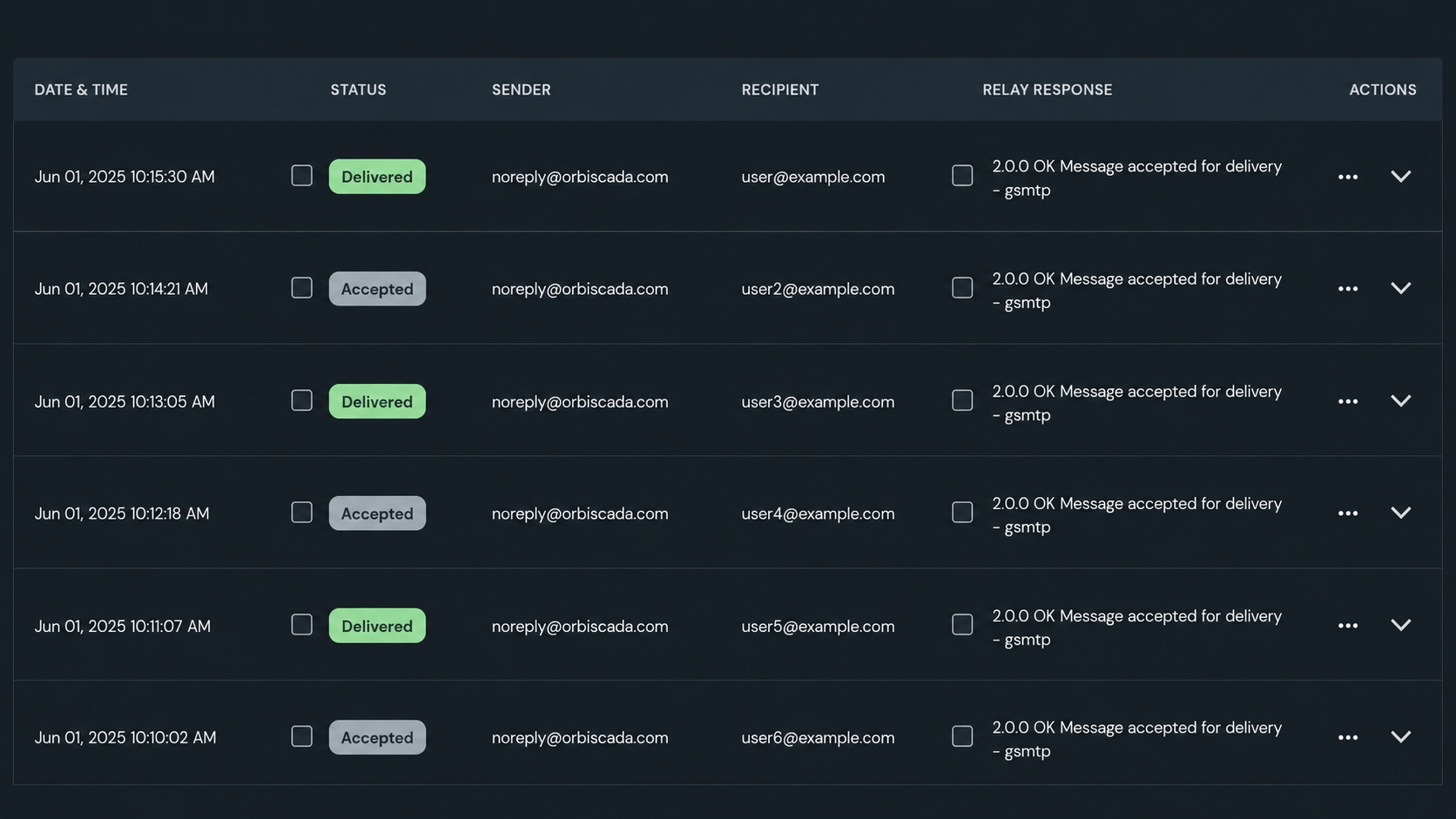
What this means
When our backend shows that an email has been sent, it means the notification was generated and handed over to the email delivery service.However, this does not always guarantee that the email is visible in the recipient’s inbox. The email may still be:
- Moved to the spam or junk folder
- Blocked by the recipient’s mail server
- Held in quarantine by company email security
- Deleted or moved by mailbox rules
- Forwarded to another address
- Blocked by domain or sender filtering
- Rejected due to mailbox storage or policy settings
What to check first
Please check the following:
- Look in the spam, junk, clutter, and deleted folders.
- Search your mailbox for recent notification emails from our system.
- Check whether any inbox rules are moving or deleting the emails.
- Confirm that the email address registered in the system is correct.
- Ask your IT administrator to check mail quarantine or security filtering.
- Ask your IT administrator to allowlist emails from our notification sender domain.
- Make sure the mailbox is not full and can receive external emails.
Information your IT administrator may need
If your company uses advanced email filtering, the emails may be stopped before they reach your inbox. Please ask your IT department to check whether emails from our notification service are being blocked, quarantined, or marked as suspicious.
They should check:
- Mail quarantine logs
- Spam filtering logs
- Mail transport rules
- Domain blocklists
- Sender authentication checks
- Inbox forwarding or deletion rules
- Whether external automated emails are allowed
Important note
If our backend logs show that the emails were sent, the next step is usually to investigate the recipient-side mail system. In many cases, missing notification emails are caused by spam filters, quarantine settings, or internal email security rules on the customer side.
Was this article helpful?
That’s Great!
Thank you for your feedback
Sorry! We couldn't be helpful
Thank you for your feedback
Feedback sent
We appreciate your effort and will try to fix the article